How to Power Off ADS M Portal Properly

To ensure proper shutdown of the ADS M Portal, it is recommended to synchronize memory data with the hard disk before initiating a shutdown. The command for this is sync. Failure to do so may result in data loss. After synchronization, you may proceed with the shutdown command for power...


Communication Port Between ADS M & Portal

Scenario  Integrate Portal on the External Network with ADS M on the Internal Network. Required Ports The Portal has a dedicated public IP address. ADS M intranet uses a single public egress IP for external connectivity, and any access to the public network must go through this IP. To establish...

Configuring Collaboration Between ADS M and NTA

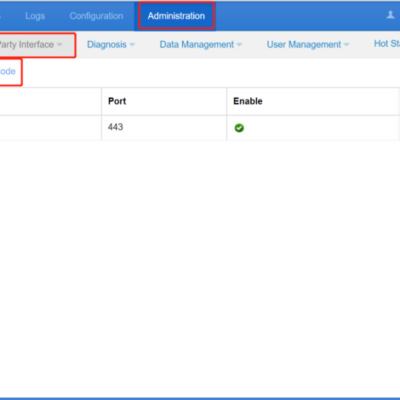
ADS M can manage NTAs, including checking NTA running status, time synchronization, dispatching IP group configuration of a region, displaying traffic information of NTAs, and receiving logs uploaded from NTAs. The steps to configure the collaboration between ADS M and NTA are as follows: Configuring NTA Step 1: Choose Administration...

Configuring Collaboration Between ADS and ADS M

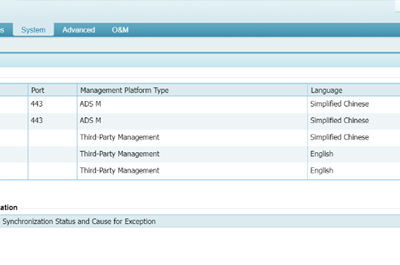
ADS M supports standalone management and cluster management. In standalone management mode, ADS M manages a single ADS in an in-path or out-of-path deployment. In cluster management mode, ADS M manages multiple ADSs as a cluster for automatic synchronization of device configuration and protocol synchronization among these ADSs. The following...

NSFOCUS
Privacy Overview

This website uses cookies so that we can provide you with the best user experience possible. Cookie information is stored in your browser and performs functions such as recognising you when you return to our website and helping our team to understand which sections of the website you find most interesting and useful.