
To ensure proper shutdown of the ADS M Portal, it is recommended to synchronize memory data with the hard disk before initiating a shutdown. The command for this is sync.

Failure to do so may result in data loss. After synchronization, you may proceed with the shutdown command for power off, instead of power off the virtual machine by clicking power off directly.

To boot up the virtual machine hosting the deployed portal, you can manually power on the machine.
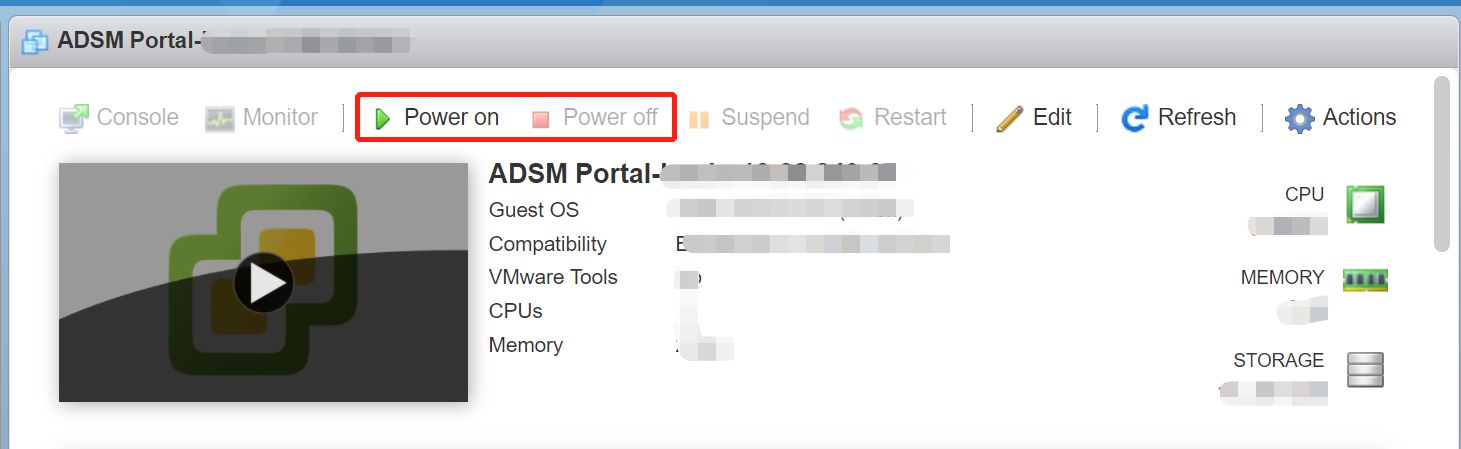
Manually shutting down the virtual machine can cause certain processes to fail to start up properly, which requires redeployment of the portal on ADSM from Administration > Third-Party Interface > Portal Configuration.


