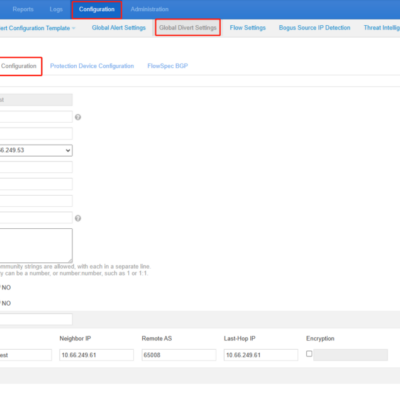
NTA must establish iBGP neighborship with a router to implement null route or BGP diversion. Only in this way can NTA advertise route update notifications for the diversion of attack traffic to a third-party device for cleaning. BGP configuration module allows you to configure parameters for establishing a BGP session....

Tag: knowledge base;
NSFOCUS NIPS Packet Playback
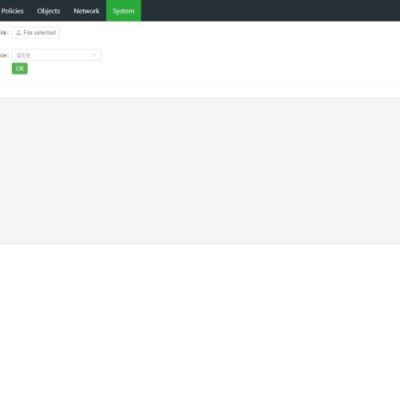
NSFOCUS NIPS provides the function of reading packet capture files through the monitoring interface. You can analyze network data based on these files. Only interfaces in security zones of the Monitor type can be used to playback data. If no monitoring interface is available, you must configure one first. Choose...
NTA Flow Configuration Example
NTA analyzes traffic and detects exceptions based on flow data sent by the routers and switches. To provide a better understanding of how to send flow data for NTA analysis, we will illustrate flow configuration through an example. Additionally, we'll guide you on key considerations during the configuration process. In...
NSFOCUS WAF Security Reports
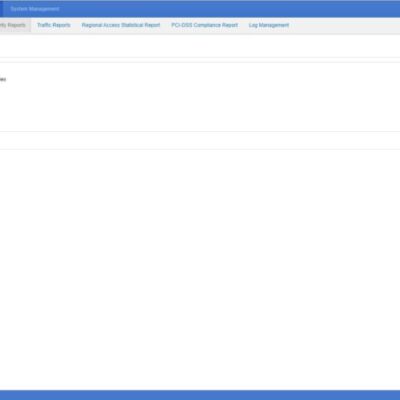
NSFOCUS WAF security reports are divided into classification-specific alert reports and period-specific alert reports. You can acquire reports based on query conditions, such as websites, event types, statistic collection periods, and statistic collection time. 1. Generation procedure: Logs & Reports > Security Reports > Classification-Specific Alert Report or Period-Specific Alert...
Preliminary Troubleshooting for Cloud Authentication Failure in ADS, NTA and ADSM
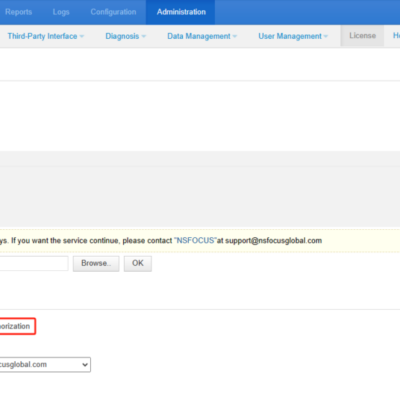
If the virtual product uses cloud authentication, it needs to communicate with the cloud authentication center periodically every day to complete the authentication and ensure availability. You can confirm the authorization mode by checking the Authorization Mode of the license. For example, in the image below, NTA uses cloud authorization....
Configuring Management IP Address for ADS M Portal
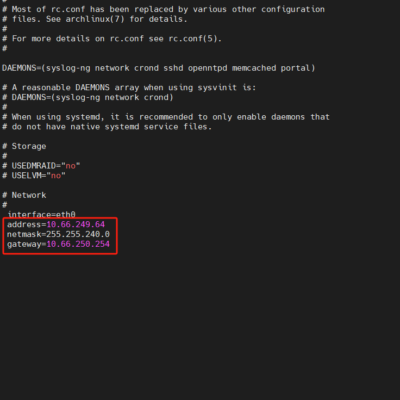
After installing the ADS M portal, configuring a management IP address is necessary to deploy the portal on the ADS M and access its webpage. Follow the steps below to set up the management IP for the portal: 1. Access the Backend of the ADS M Portal: Log in to...