The early SSLv2 was designed based on the classic public key infrastructure. By default, a server or an IP address could provide only one service so that the server could know which certificate to serve during the SSL handshake. The widespread use of virtual hosts leads to the situation where multiple domain names are mapped to one IP address.
Server Name Indication (SNI), an extension of SSL/TLS, allows a server to use multiple domain names and certificates, which is defined in RFC 4366. As an enhancement to SSL/TLS, SNI is used in SSLv3/TLSv1. It allows the client to specify the host name before initiating an SSL handshake, specifically in the ClientHello phase of the SSL request. Then the server can choose the correct domain name and return the corresponding certificate. Currently, SNI extension is supported by most operating systems and browsers.
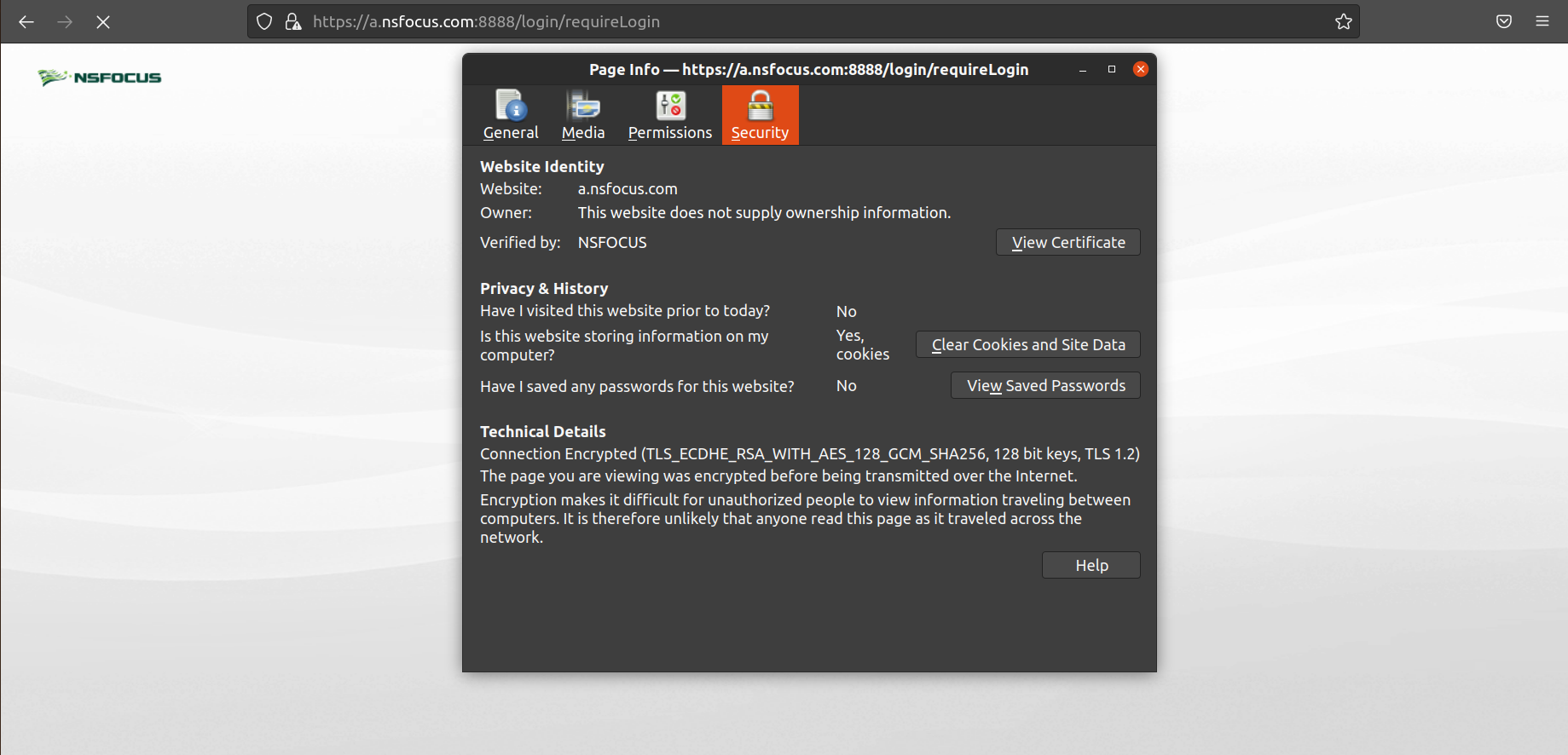
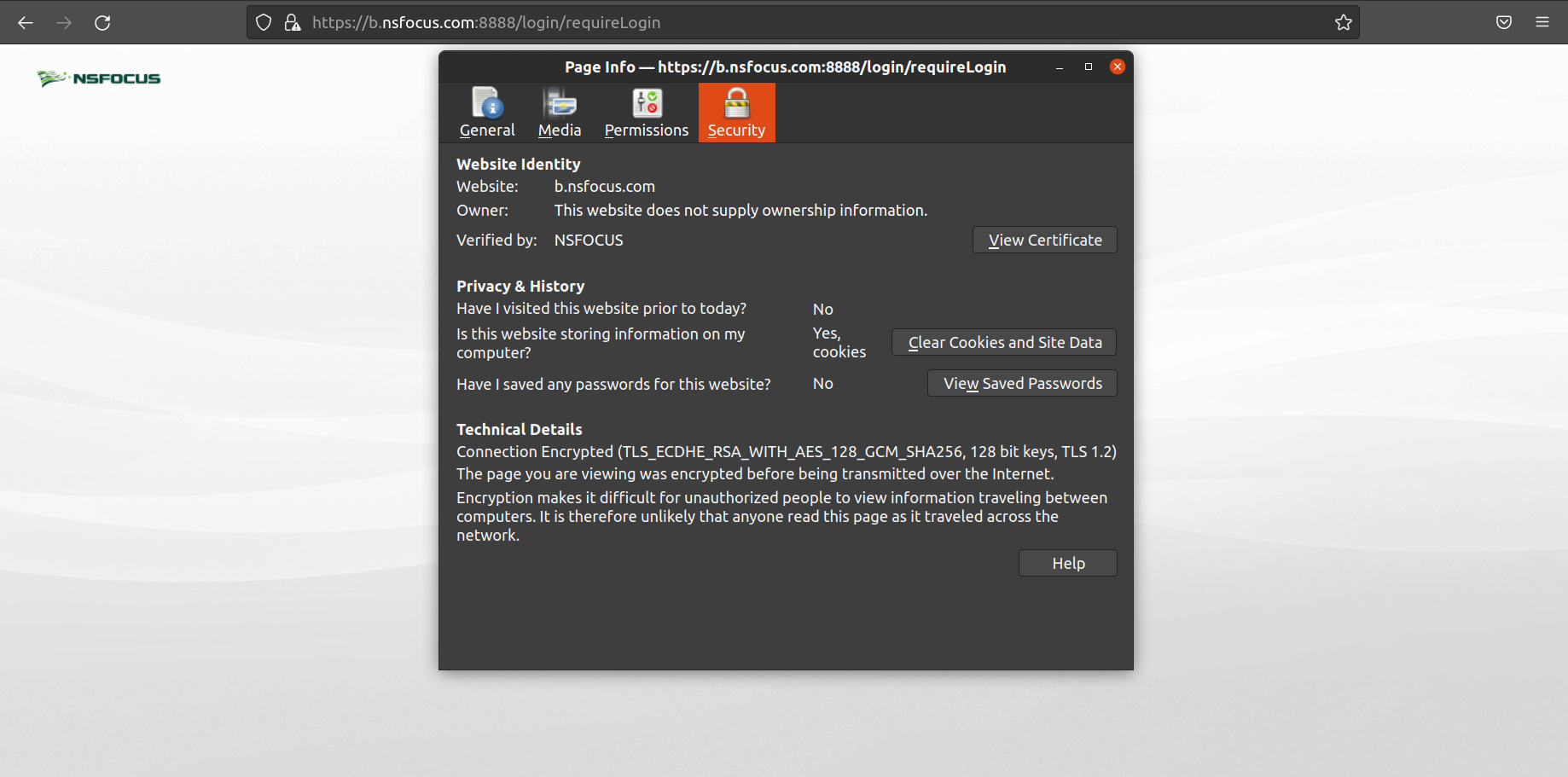
NSFOCUS WAF supports SNI and can use one IP address to proxy multiple sites in the reverse proxy mode. For example, two virtual sites are deployed in the same site group, and each uses its own website certificate. When the client’s SSL request reaches WAF, WAF analyzes the SNI information in the SSL request and selects the corresponding website certificate to perform encrypted communication with the client.
Note: To use SNI, both the client and the server should support SNI.
Configuration Procedures:
Choose Security Management > Website Protection, and click the icon  Â to create a website group. In the website list, click Add Website to add a website. In the virtual website list, click Add Virtual Website to add a virtual website.
 to create a website group. In the website list, click Add Website to add a website. In the virtual website list, click Add Virtual Website to add a virtual website.

Enable the SSL certificate for each virtual website. The following takes NSFOCUS_1 and NSFOCUS_2 virtual sites as examples, and SSL certificates are selected for them respectively.
Select an SSL certificate for NSFOCUS_1 virtual site as shown in the following figure.
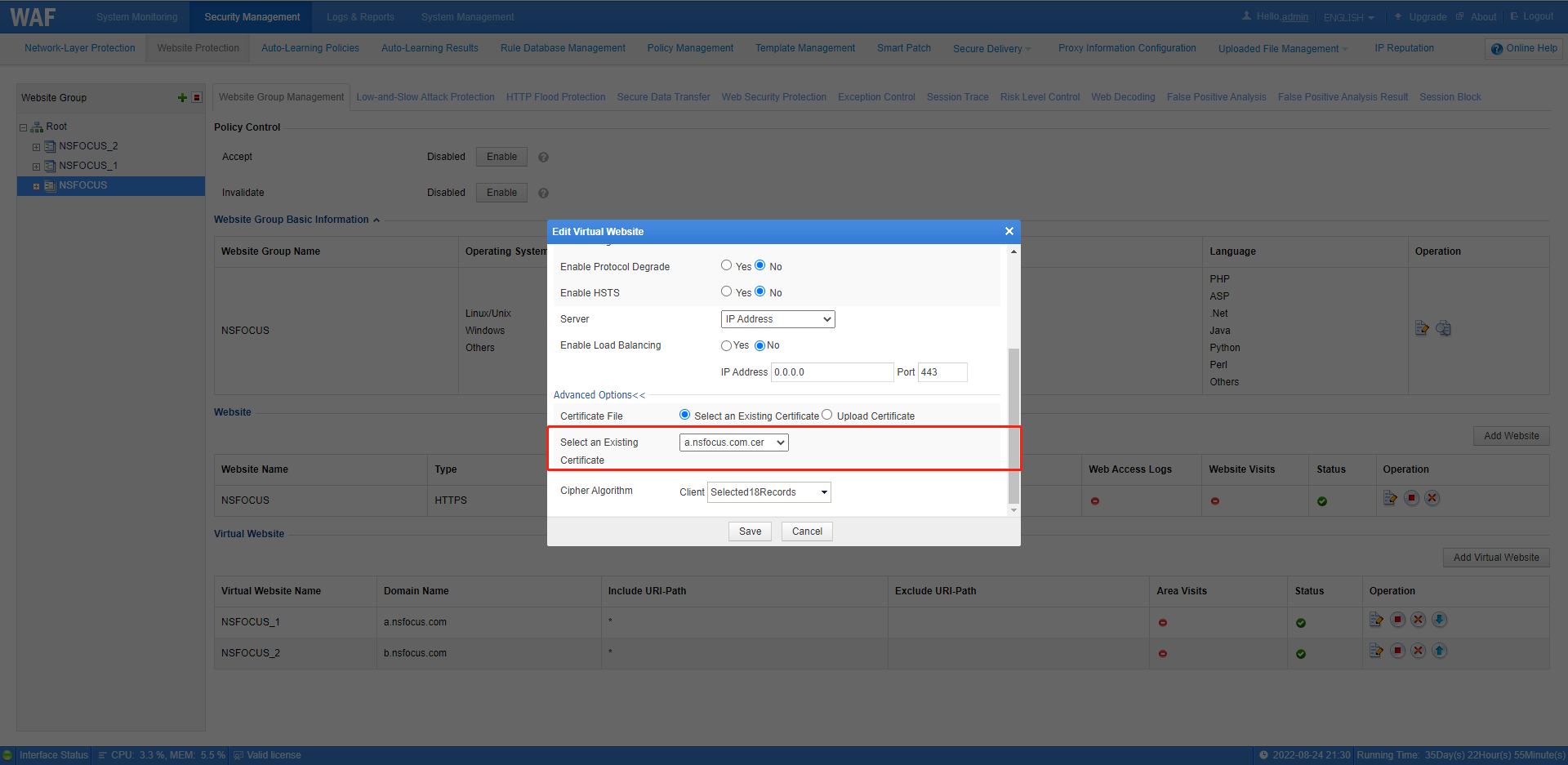
Select an SSL certificate for NSFOCUS_2 virtual site as shown in the following figure.

Visit each virtual website. You can view that the server returns different SSL certificates. It can be seen that WAF can analyze the SNI information in the SSL request and select the corresponding website certificate for encrypted communication with the client.