
NSFOCUS WAF secures data transmission by restricting domain names, URLs, and request methods, and it can improve transmission security by converting ordinary HTTP requests into HTTPS requests forcibly.
Configuration precondition:
Configure HTTP and HTTPS sites and ensure that both HTTP and HTTPS sites can be accessed.
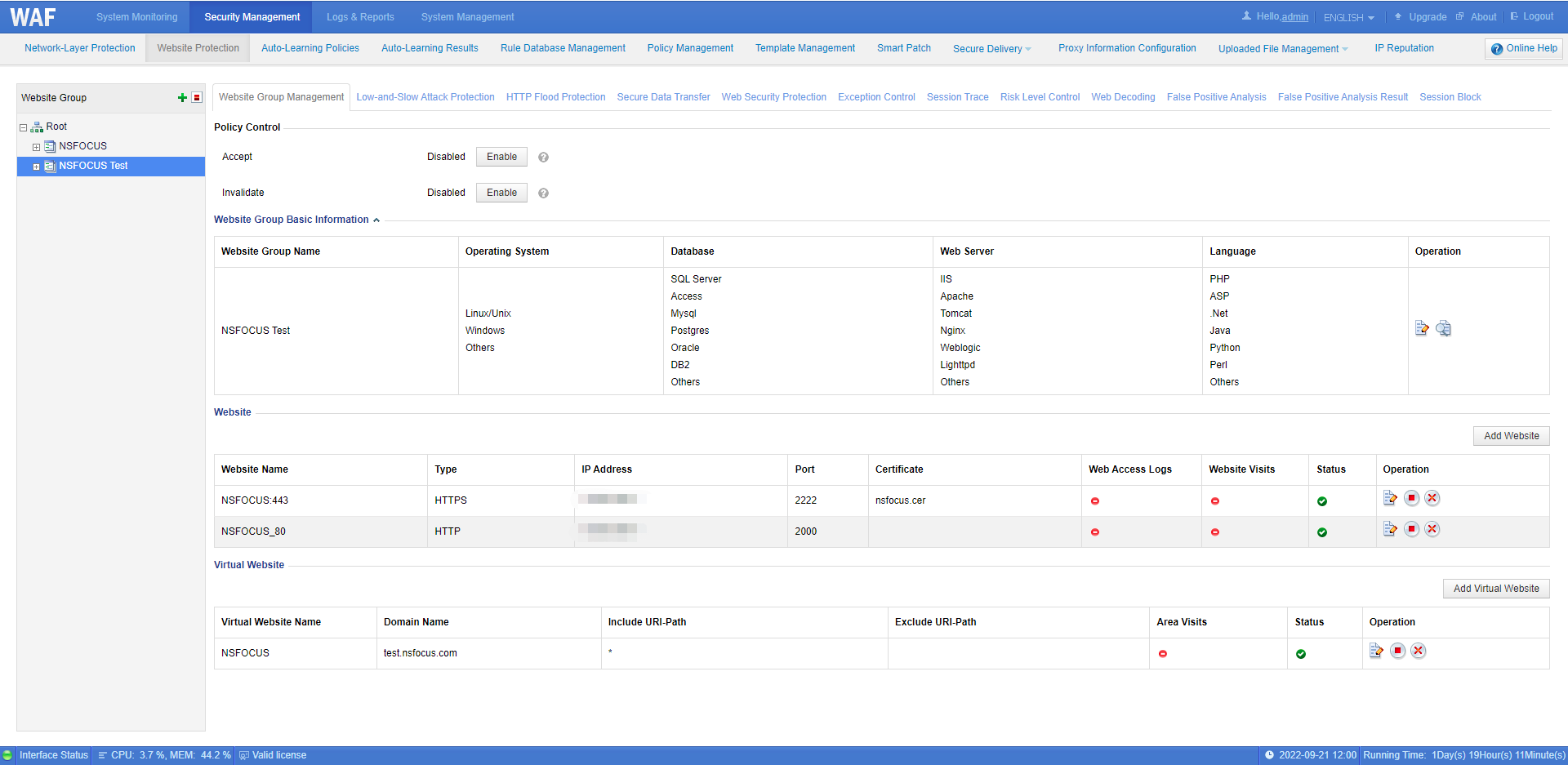
Configuration method:
Step 1: Click Security Management > Website Protection > Website Group > Secure Data Transfer, and click the Create button in the upper right corner of the table.

Step 2: Edit the policy
- Policy Name: User-defined
- Domain Name: Be consistent with the virtual website domain name
- Alert or Not: Choose Yes or No
- Included URL: Fill in it according to the business scenario or * means all URL
- Excluded URL: Fill in it according to the business scenario
- Method: Fill in it according to the business scenario
- Action: Block, Accept or Redirection
Tips:
- If you choose to redirection, the optional redirection paths include Custom, Current URL HTTPS, and Previous page.
- The Current URL HTTPS Port needs to be the same as the HTTPS port of the currently protected site.
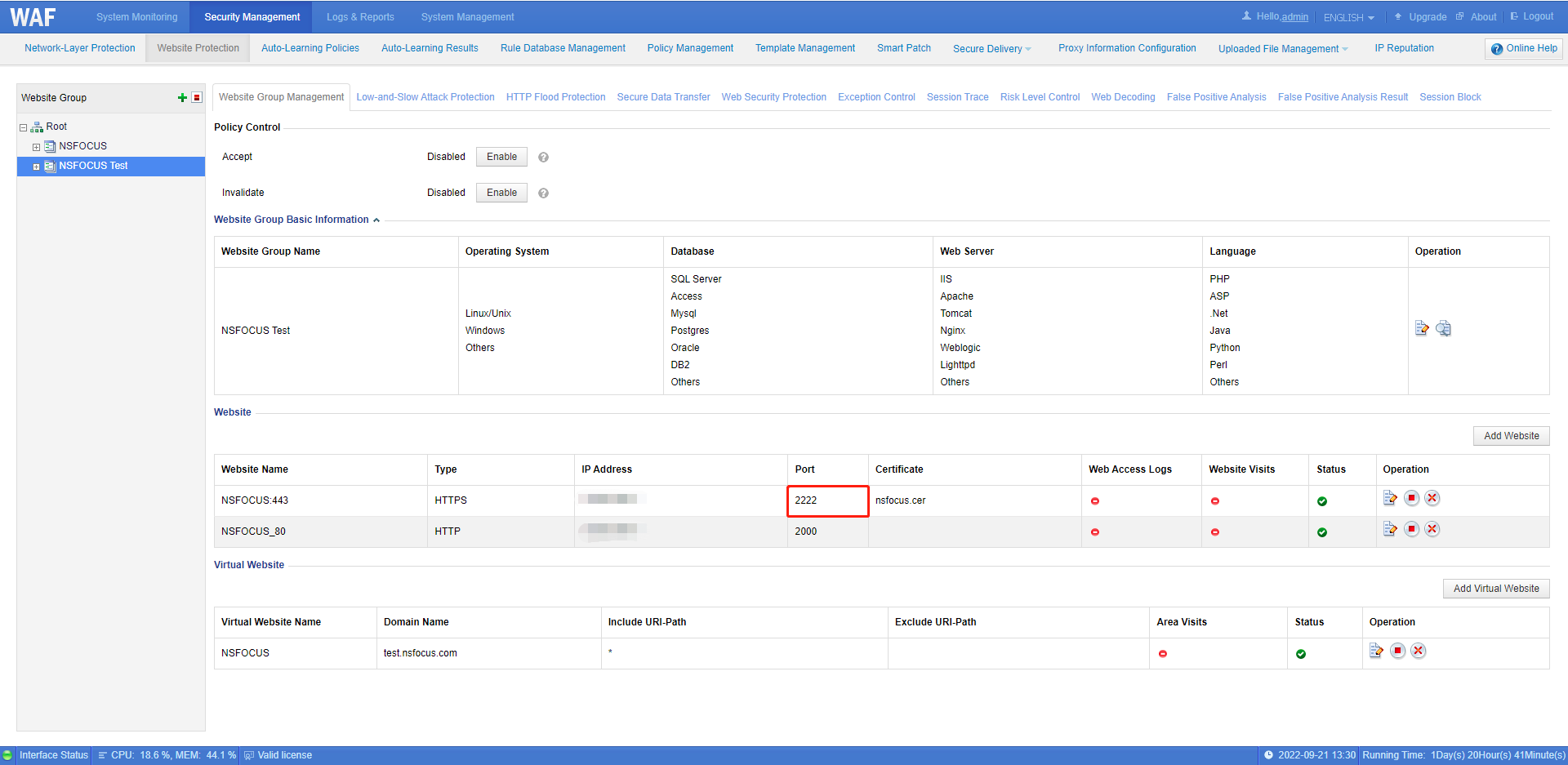
Protection logs can be viewed at Logs & Reports > Security Protection Logs > Web Security Logs


