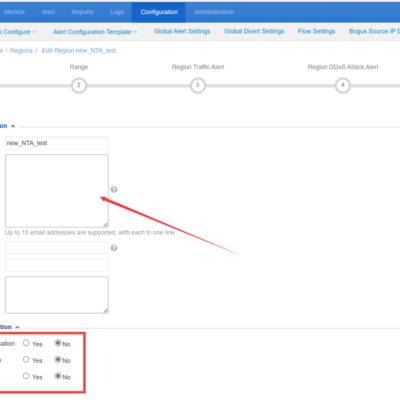
There are two separate email configurations on NTA which do not affect each other. One is the region/IP group email alert, the other is the global email alert. 1. Region/IP Group Email Alert Configuration -> Objects -> Regions -> Edit Corresponding Region/IP Group Email addresses configured on the Region ->...

Categoria: Knowledge Base
NIPS Troubleshooting Steps for No Log
NIPS aims to accurately monitor abnormal network traffic, automatically blocking various types of aggressive traffic in real-time, particularly application layer threats. It aims to take proactive measures instead of merely providing alerts at the time of or after detecting malicious traffic. When malicious traffic is detected and blocked, a threat...
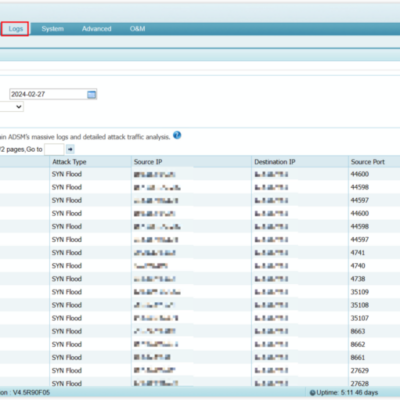
Policy Adjustment Based on Attack Events in ADS
This article provides a brief explanation of policy fine-tuning in ADS. Please note that fine-tuning the protection policy is a time-consuming process. This article focuses on how to check attack details in ADS based on attack events and optimize policies accordingly. Due to different versions of ADS, the screenshots shown...
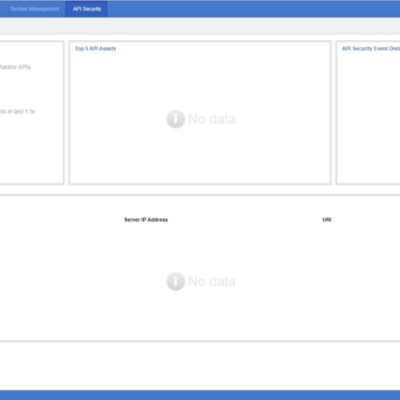
NSFOCUS WAF API Security Overview
NSFOCUS WAF v.6080 provides protection for third-party API assets. The API security protection features assist clients in refining their inventory of API assets through a combination of proactive and reactive strategies. By integrating automatically generated API baselines and imported OAS files, NSFOCUS WAF conducts API compliance checks. NSFOCUS WAF supports...
Preparation for ADS Diversion
This article summarizes the preparation configuration of ADS diversion. The specific configuration details may vary depending on the information of the ADS on the client side, router information, and ADS version. The configuration content and order can be referenced from this article. 1. Before configuring diversion, it is necessary to...
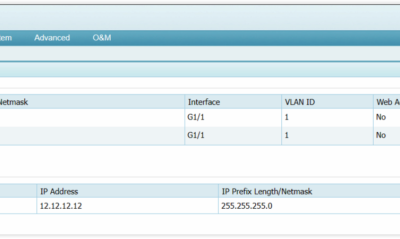
NTA and Router SNMP Configuration Example
NTA can monitor the CPU and memory usage, as well as traffic on the router interfaces where SNMP functionality is enabled. We will provide an example to explain the configuration for a better understanding of SNMP setup. Scenario: Configuring SNMP between the NTA management interface (IP: 10.66.249.47) and a switch...