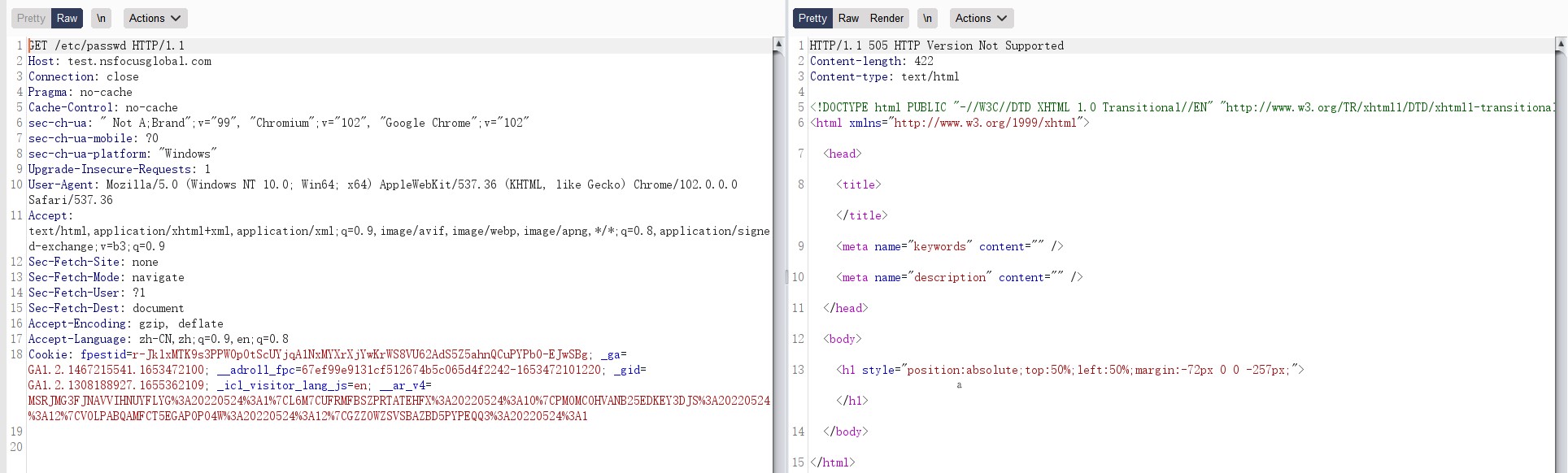
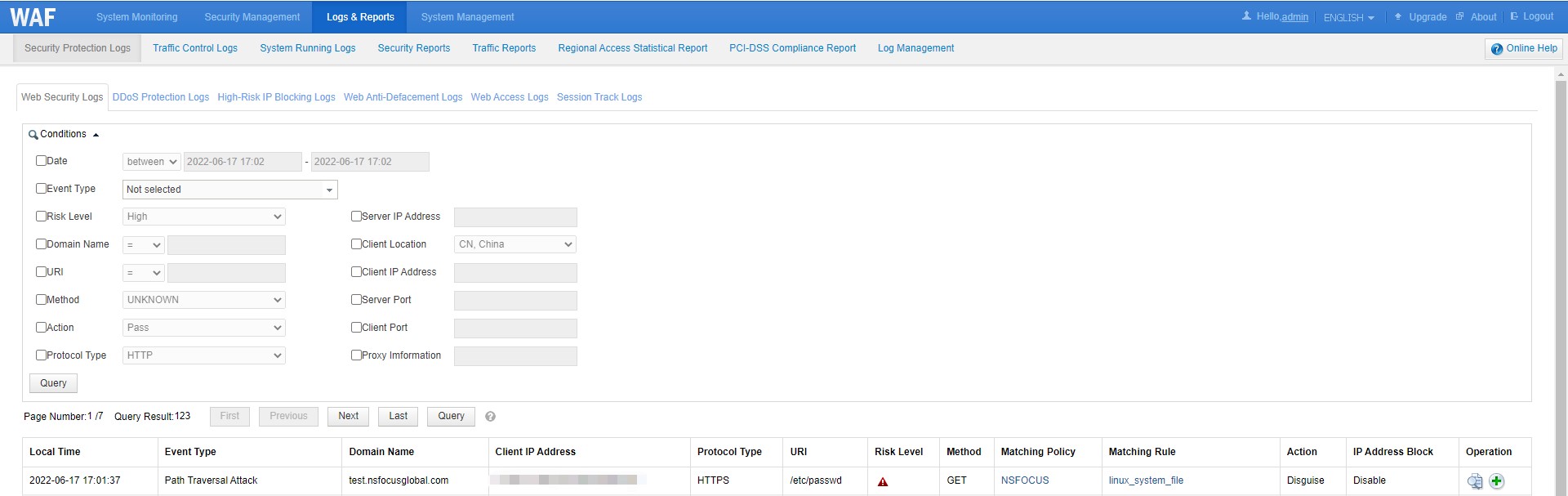
NSFOCUS WAF supports five actions for a specific protection policy.
Take HTTP access control as an example. You can specify one of the following actions as required:
- Pass: Indicates that if an access request matches corresponding parameter settings, NSFOCUS WAF directly forwards it to the destination server without any more security inspections.
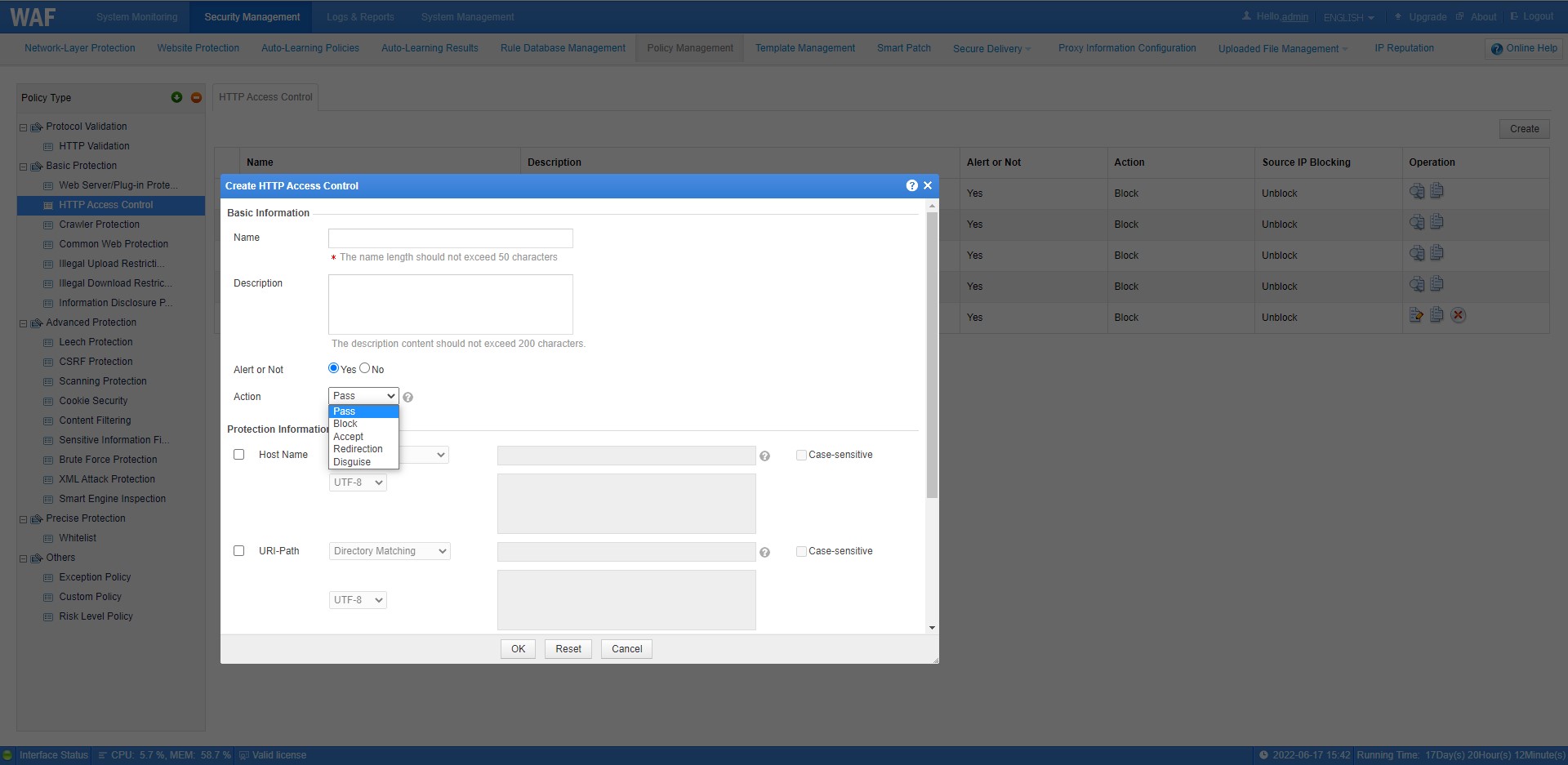
- Accept: Indicates that if an access request matches corresponding parameter settings, NSFOCUS WAF stops current policy inspections and perform other security inspections instead.
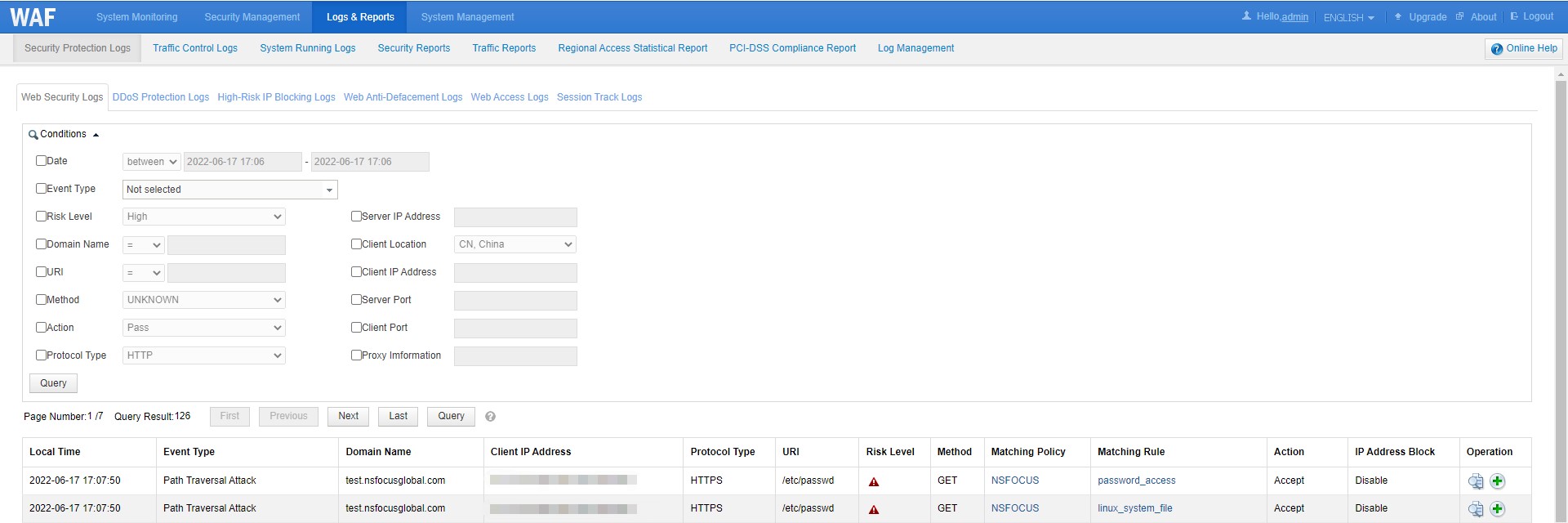
- Block: Indicates that if an access request matches corresponding parameter settings, NSFOCUS WAF ends the current policy inspections and tears down the current TCP connection.
Note that WAF provides the source IP blocking function in this case.
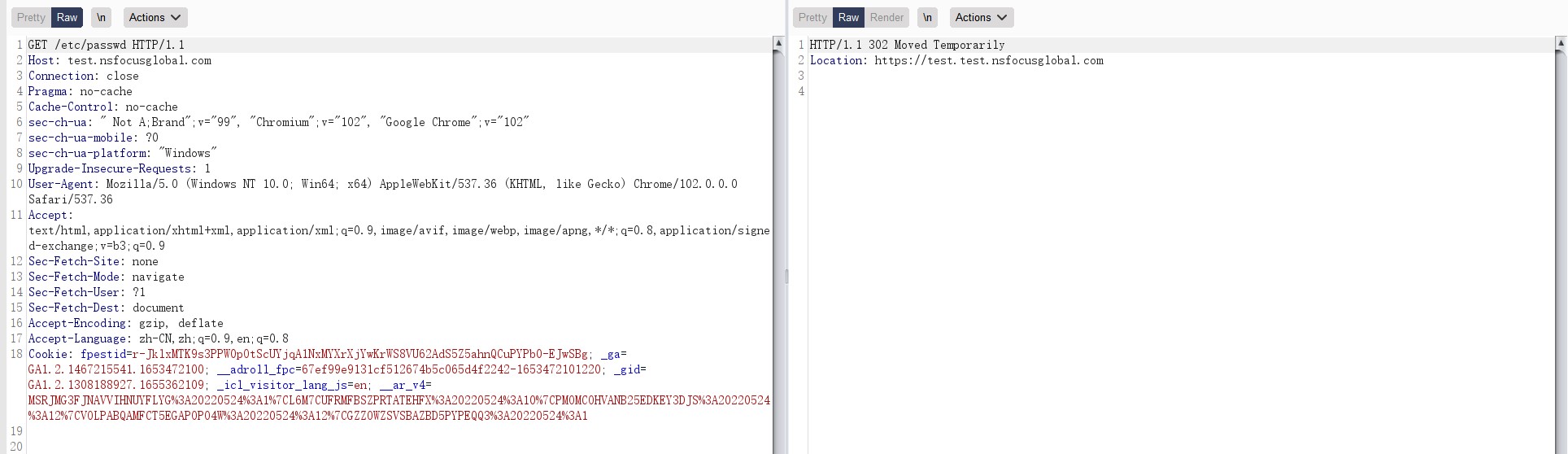
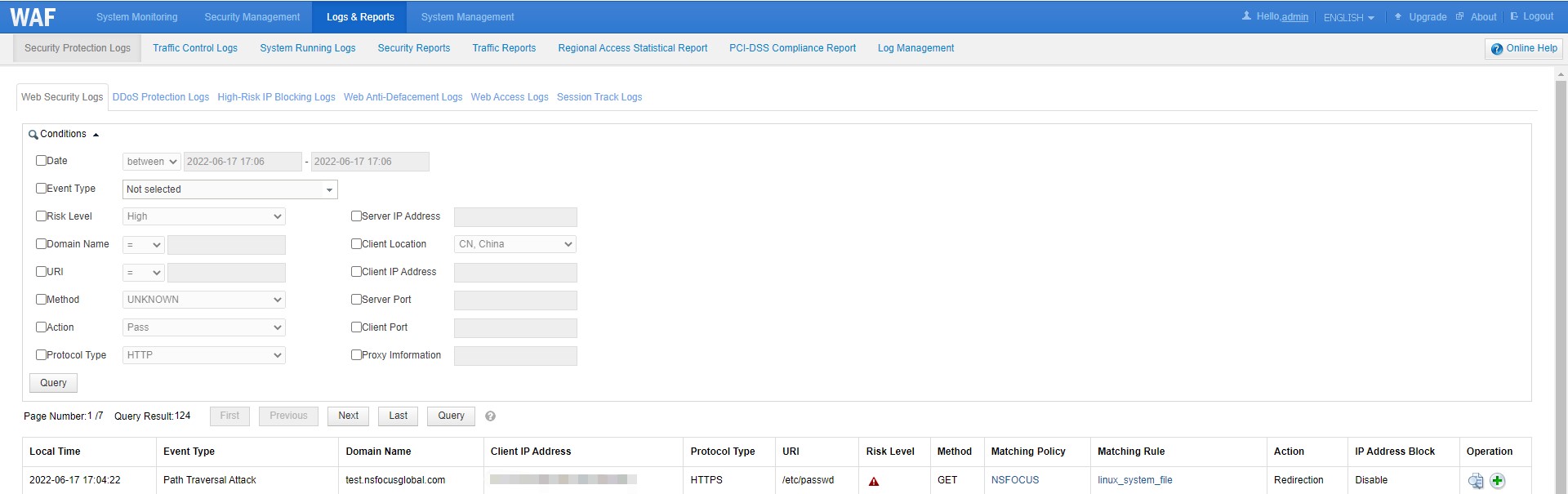
- Redirect: Indicates that if an access request matches corresponding parameter settings, WAF responds to the client with a constructed 302 redirect message and tears down the TCP connection.
- Disguise: Indicates that if an access request matches corresponding parameter settings, WAF responds to the client with a custom HTTP response code and custom contents in the response file, and tears down the TCP connection.