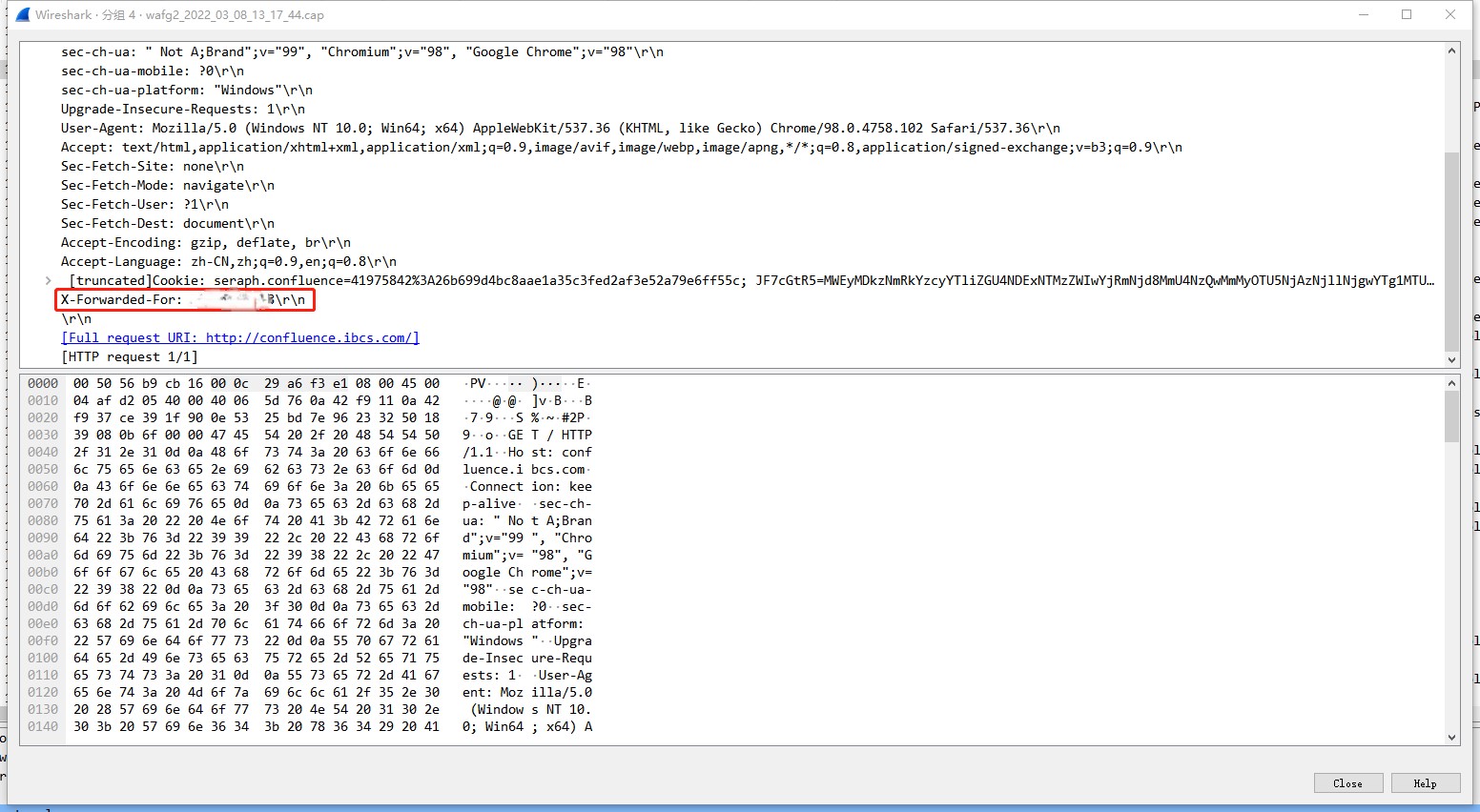
In the reverse proxy mode, NSFOCUS WAF preserves the real source IP address in the X-forwarded-for header. In this mode, since the destination for clients is the WAF, the WAF will record the real client IP address in this request header and forward the header to the server, which helps keep the entire session.
Test procedure:
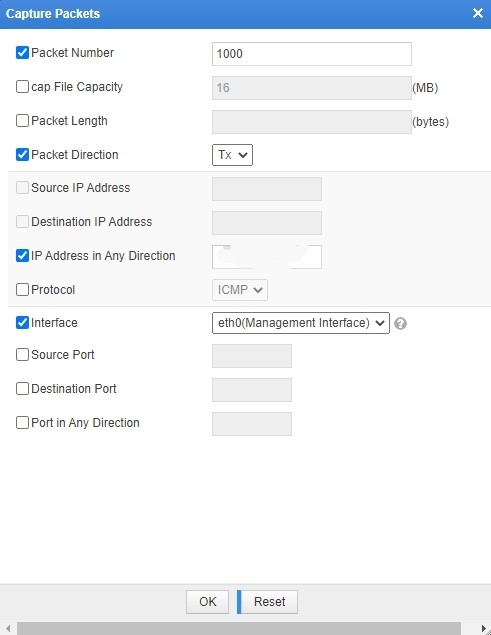
Choose System Management > Test Tools > Capture Packets to configure packet capturing between the WAF and the server.

The captured packet shows that when NSFOCUS WAF works under the reverse proxy mode, NSFOCUS WAF will record the real client IP address in the X-Forward-For header.