NSFOCUS NIPS provides the function of reading packet capture files through the monitoring interface. You can analyze network data based on these files. Only interfaces in security zones of the Monitor type can be used to playback data. If no monitoring interface is available, you must configure one first.
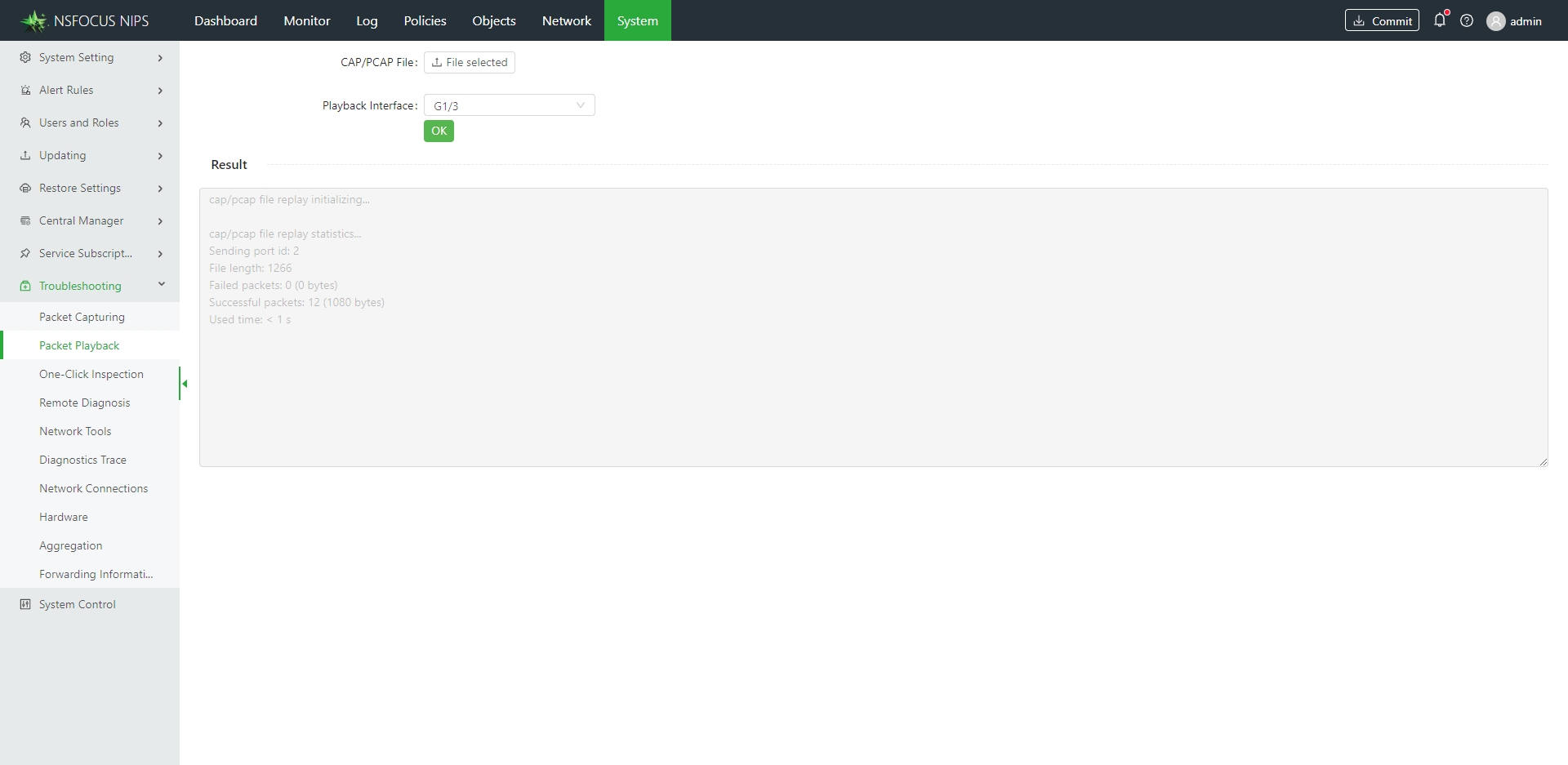
Choose System > Troubleshooting > Packet Playback, configure parameters, and click OK to check the playback data.
- Click File selected on the right of CAP/PCAP File, select a file, and click Open.
- From the drop-down list on the right of Playback Interface, select a monitoring interface to which data will flow during the playback test.