

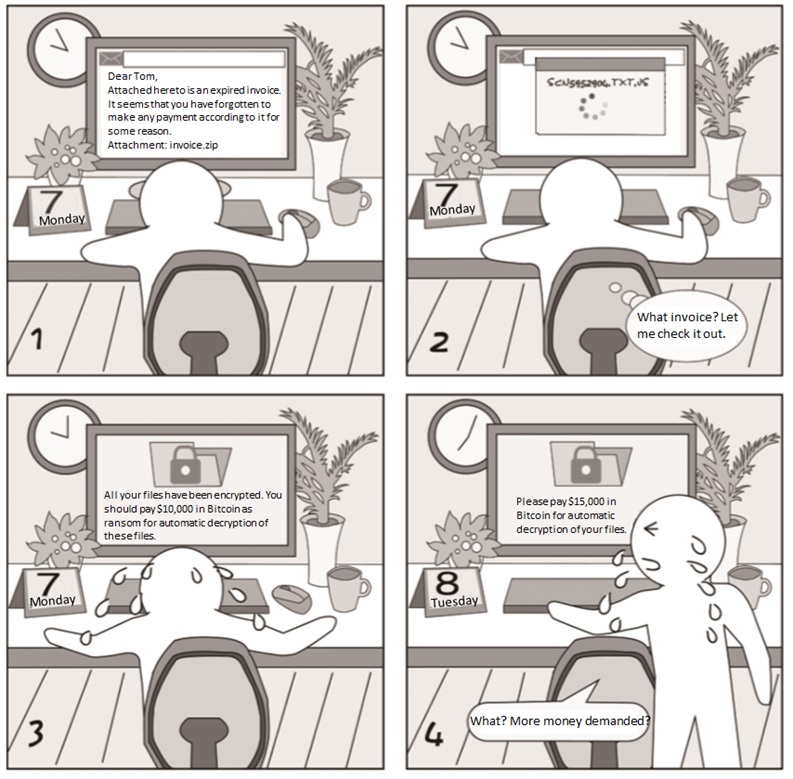
Ransomware emails usually have an intriguing subject and body to entice receivers to open the attachment. As shown above, the attachment is compressed. The virus file is an executable with the extension of js. To disguise it as a seemingly secure text file, the attacker adds .txt in the file name. Files encrypted by this virus can only be decrypted upon payment of the ransom.
Security Tips/Takeaways
- Make sure that your email client forbids access to executables. You can send an .exe file to your own email address to test this function.
- Assume that all types of files, not just .exe, .js, and .bat files, can contain viruses.
- Install antivirus software, but do not totally trust it.
Email Security——Malicious Links
Case AnalysisCase Analysis
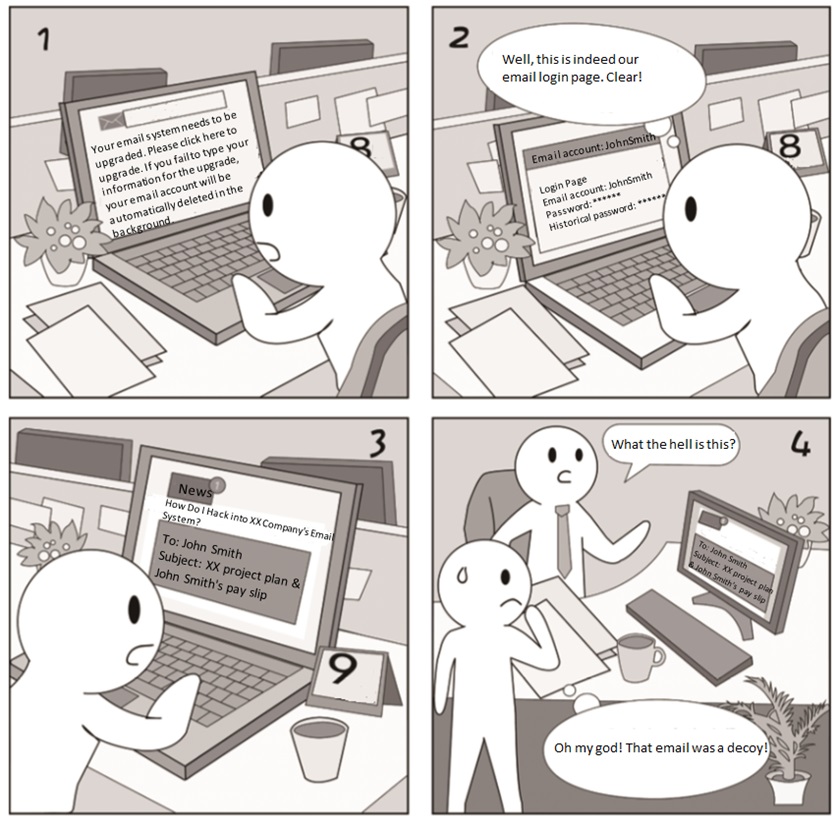
Emails that contain links to phishing pages are rather deceptive as the login page displayed looks exactly the same as the real one. In this case, victims will let their guard down and type sensitive information as prompted. Alternatively, links in emails point to a page that contains a trojan. Once this page is opened, victim computers will be infected with the trojan.
Security Tips/Takeaways
- Keep calm and vigilant when receiving an email requesting your sensitive information.
- Do not click any links in an email if unware of the thing mentioned in the message, but directly call the person supposed to be the sender for confirmation.
- Set a browser other than Internet Explorer-based ones to be the default browser because browsers with the Internet Explorer core contain a lot of exploitable vulnerabilities.
Email Security——Sum-up
Security Tips/Takeaways
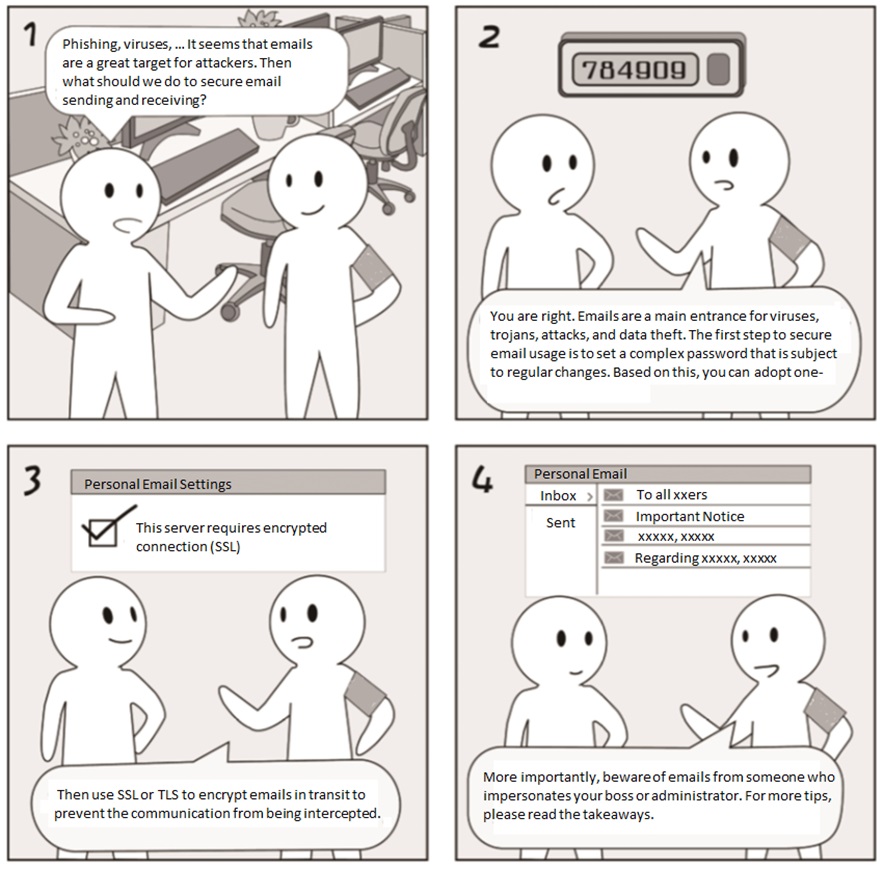
- Encrypt emails in transit to avoid hacker interception.
- Think twice before opening any attachments which may be risky executables.
- Make sure the default browser is not based on Internet Explorer and do not click links from unknown sources.
- Keep your cool when notified of a trouble by email and call the sender to check it out.

