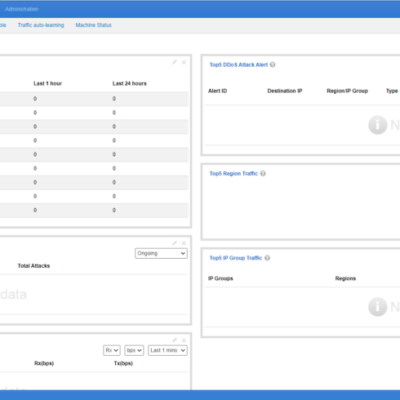
The Web API of NTA provides an interface for configuring regions or IP groups. Data can be obtained with a GET request and added, removed, or modified with a POST request, facilitating the query and configuration of NTA by O&M personnel. All API POST requests will be recorded in the...

Categoria: Knowledge Base
XSS Attack Protection
Cross-Site Scripting (XSS) attacks are a type of injection in which malicious scripts are injected into otherwise benign and trusted websites. XSS attacks occur when an attacker uses a web application to send malicious code, generally in the form of a browser side script, to a different end user. Flaws...
Description of the Server Name Indication Feature on NSFOCUS WAF
The early SSLv2 was designed based on the classic public key infrastructure. By default, a server or an IP address could provide only one service so that the server could know which certificate to serve during the SSL handshake. The widespread use of virtual hosts leads to the situation where...
Configuring Collaboration Between NTA and ADS
This document describes how to configure collaboration between ADS and NTA. NTA offers network monitoring and DDoS attack detection. If a DDoS attack is detected, NTA starts collaboration with ADS according to pre-defined rules to notify ADS. Then ADS starts the traffic diversion mechanism to divert suspicious traffic from the...
Viewing BGP Status of ADS and Troubleshooting
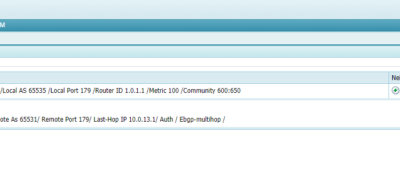
Viewing the BGP neighbor status of ADS Choose Diversion & Injection > Diversion Route > BGP Route. In the Route Daemon list, click the Neighbor Status button in the Operation column to view the status of a specified BGP route, as shown in the screenshot below. The displayed page shows...
Configuring Collaboration Between ADS M and NTA
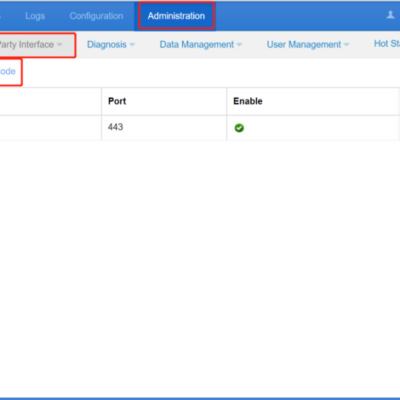
ADS M can manage NTAs, including checking NTA running status, time synchronization, dispatching IP group configuration of a region, displaying traffic information of NTAs, and receiving logs uploaded from NTAs. The steps to configure the collaboration between ADS M and NTA are as follows: Configuring NTA Step 1: Choose Administration...