
The Web API of NTA provides an interface for configuring regions or IP groups. Data can be obtained with a GET request and added, removed, or modified with a POST request, facilitating the query and configuration of NTA by O&M personnel. All API POST requests will be recorded in the NTA audit log.
Instructions for Use
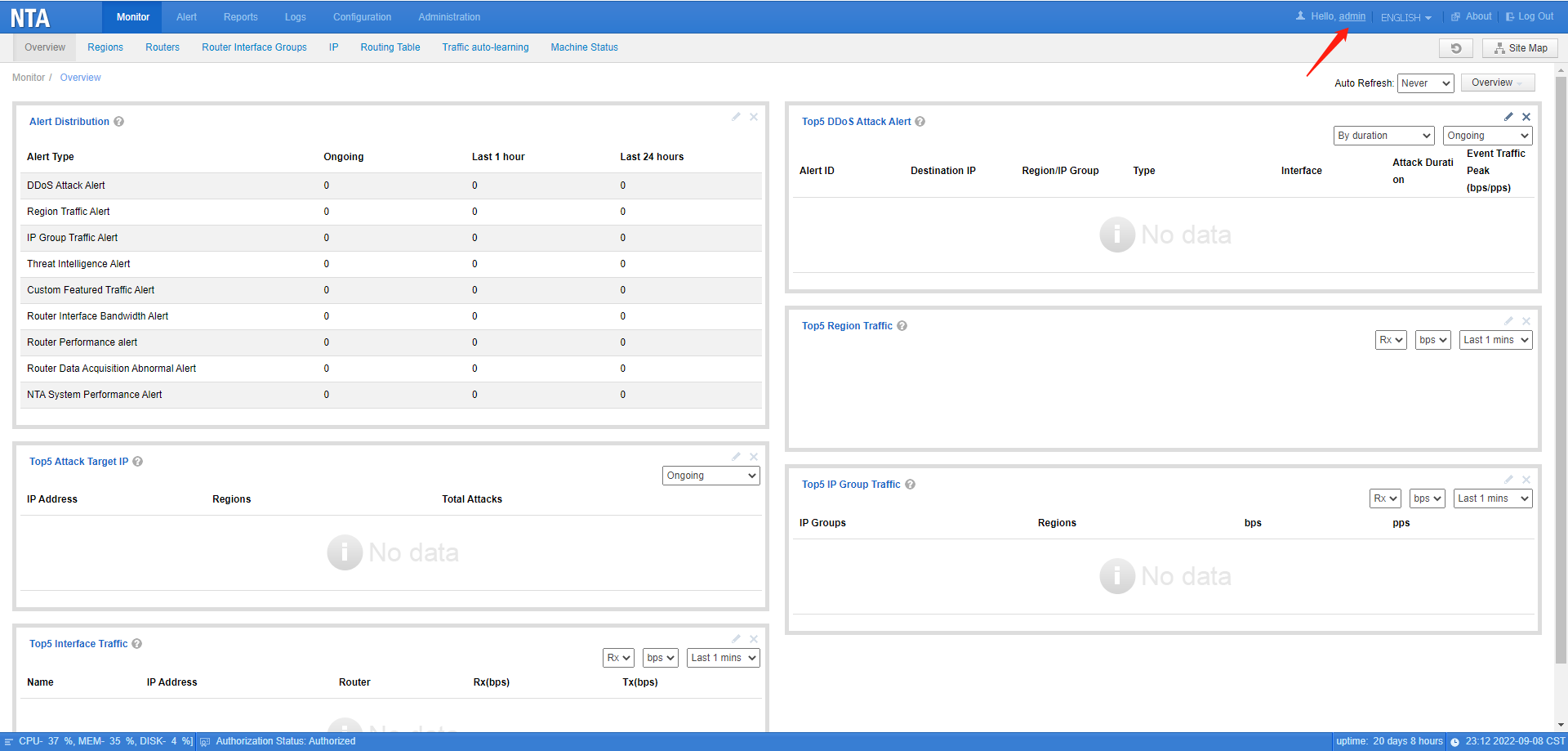
1. Log in to NTA and click on the account name in the upper right corner of the image below to open the account information.
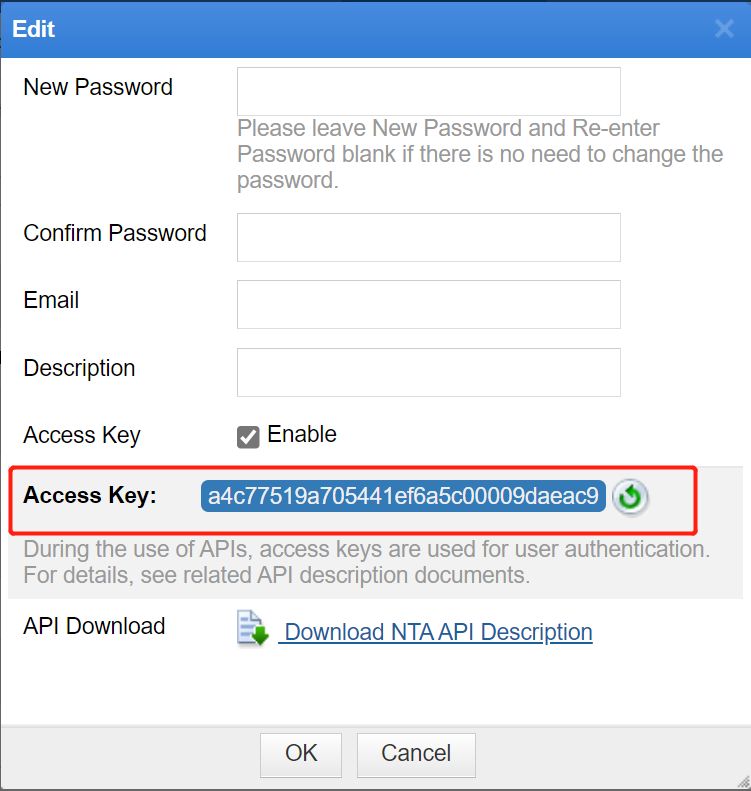
2. Enable and obtain the Access Key in the account information, and put the Access Key in each request header or URL.
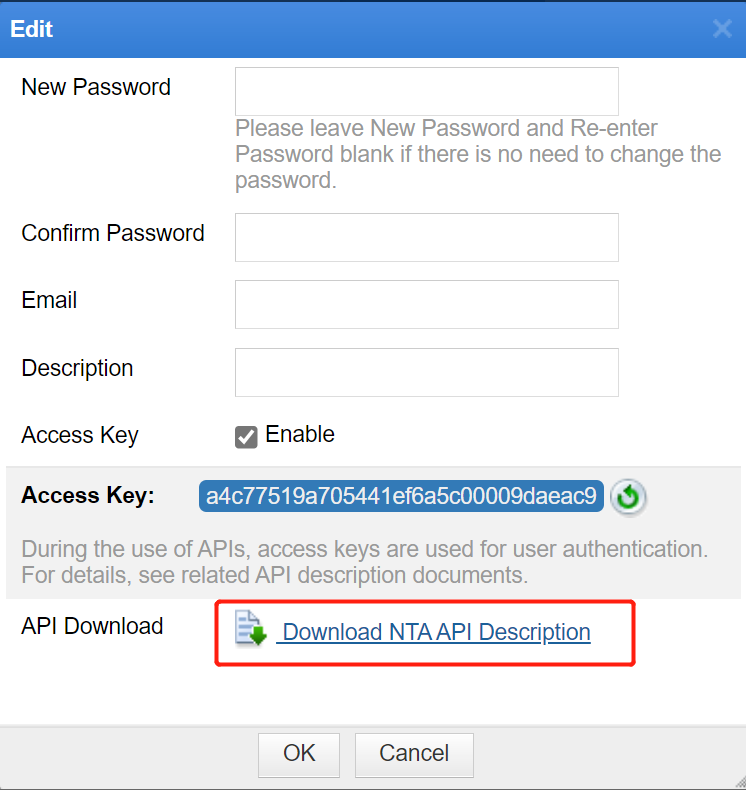
3. In the account information, click Download NTA API Description to download the Web API Description document. This document provides detailed instructions on how to obtain and operate data for regions, IP groups and routers via the API​.
Tips:
1. The user’s permission to access API interfaces is the same as the user’s permission on NTA.
2. ​If a user does not have permission for a function on the NTA and cannot operate the function via the API, the interface returns a 403 status code.
Status Code Description:
- 200 OKÂ : The request is successful
- 401 Unauthorized : Unauthorized
- 403 Forbidden : No permission

