
An HA switchover is initiated when:
- A manual switchover is performed.
- The slave NTA does not receive any keepalive packet from the master NTA within the specified period.
- The master NTA engine works improperly.
- The link of the VRRP group interface is down.
- The master NTA interface is down.
- The master NTA system restarts.
- The master NTA system is powered off.
Common errors during HA configuration:
1. “The versions of the local and peer devices are different.” is displayed during configuration.
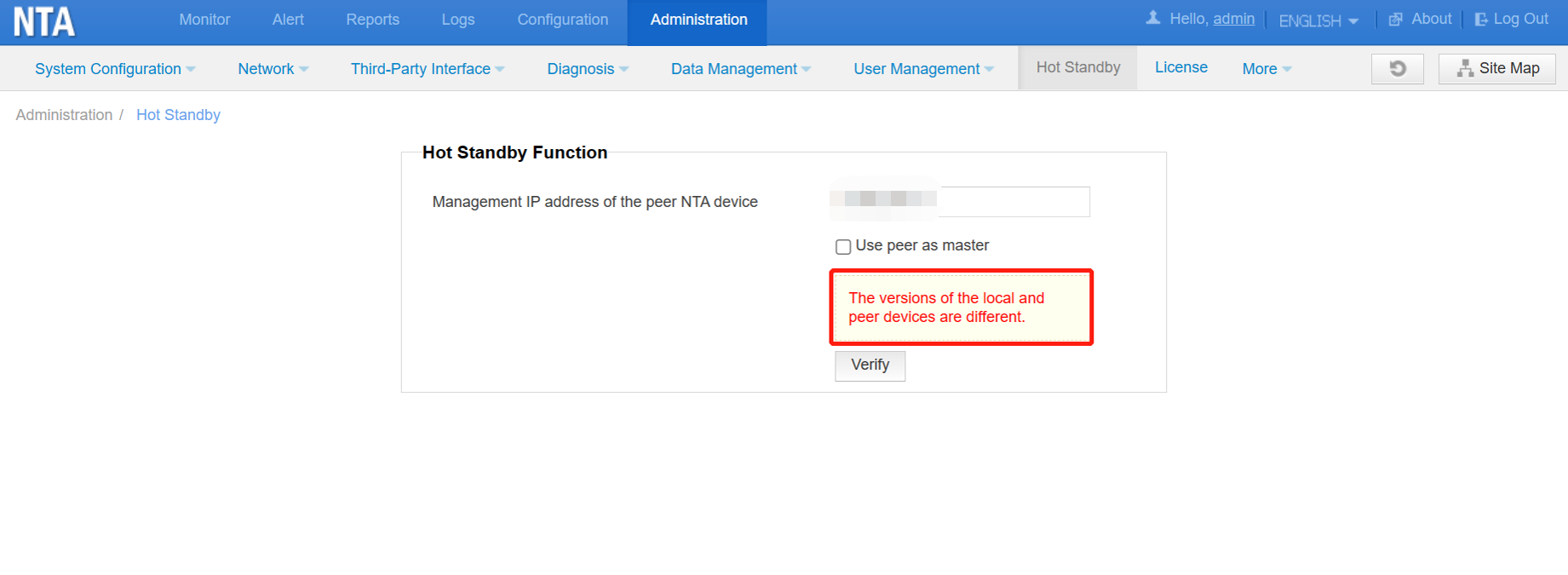
Solution: Upgrade the devices and ensure that the versions of the two devices are the same.
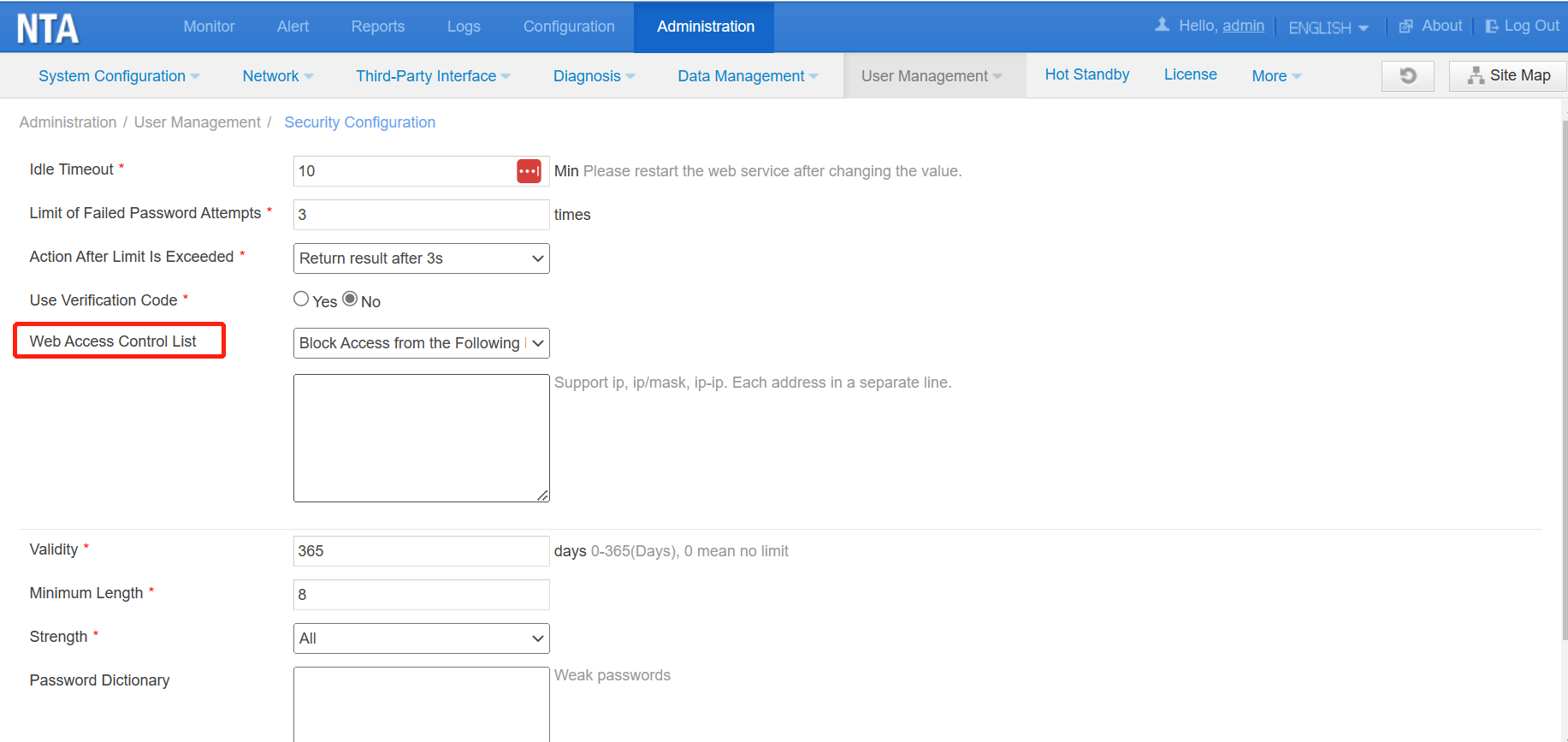
2. “Failed to enable the HA SSH service on the peer end.” is displayed during configuration.

(1) Check whether the network connection is normal by pinging the peer end.
(2) Check whether web access control(Administration > User Management > Security Configuration) is enabled on the peer end. If this is enabled, you need to disable the restriction on the peer end.
3. The time zones on the local and peer devices are different.
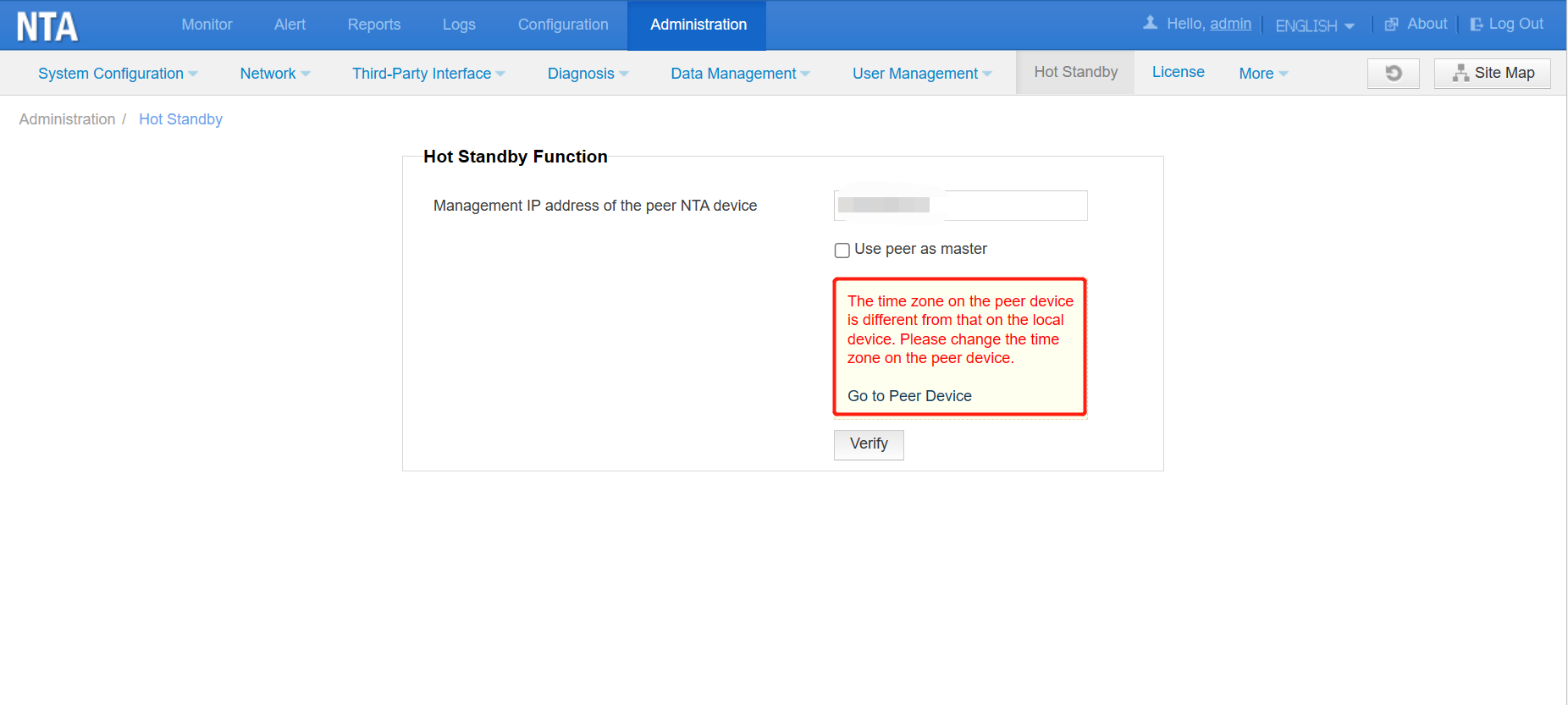
Solution: Change the time zone on the web-based manager of either device (Administration > System Configuration > Basic Information > System Time Zone) to ensure that it is the same as that on the other device.

