
NSFOCUS WAF Disguised Response File Management

Web application firewall settings configuration window.

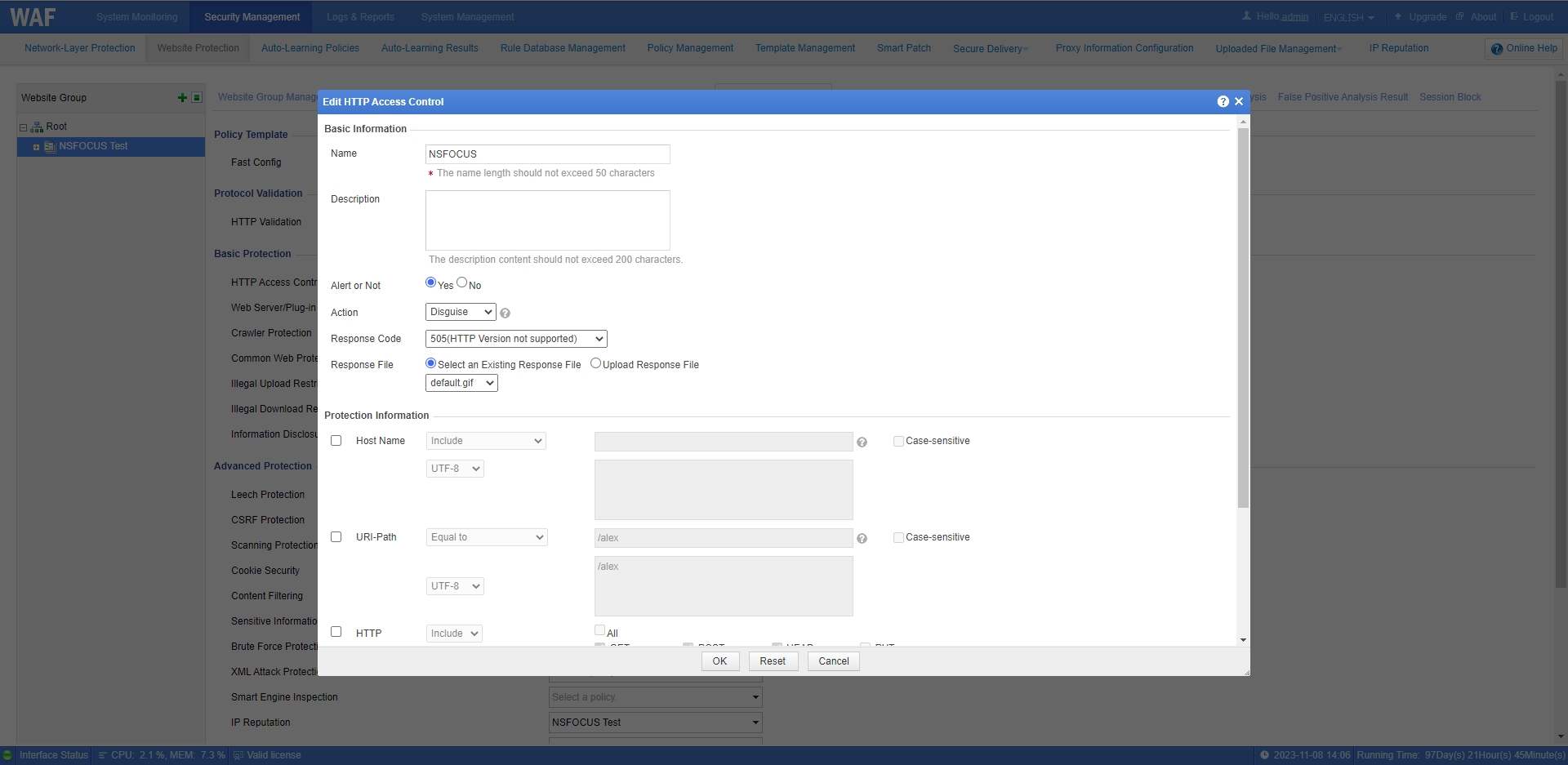
For a specific protection policy, NSFOCUS WAF can configure five actions. For more details, please view NSFOCUS WAF Protection Actions. When configuring a policy with Action set to Disguise, you need to select an existing disguised response file or upload a new one.
Red circular no entry sign with a white horizontal bar.

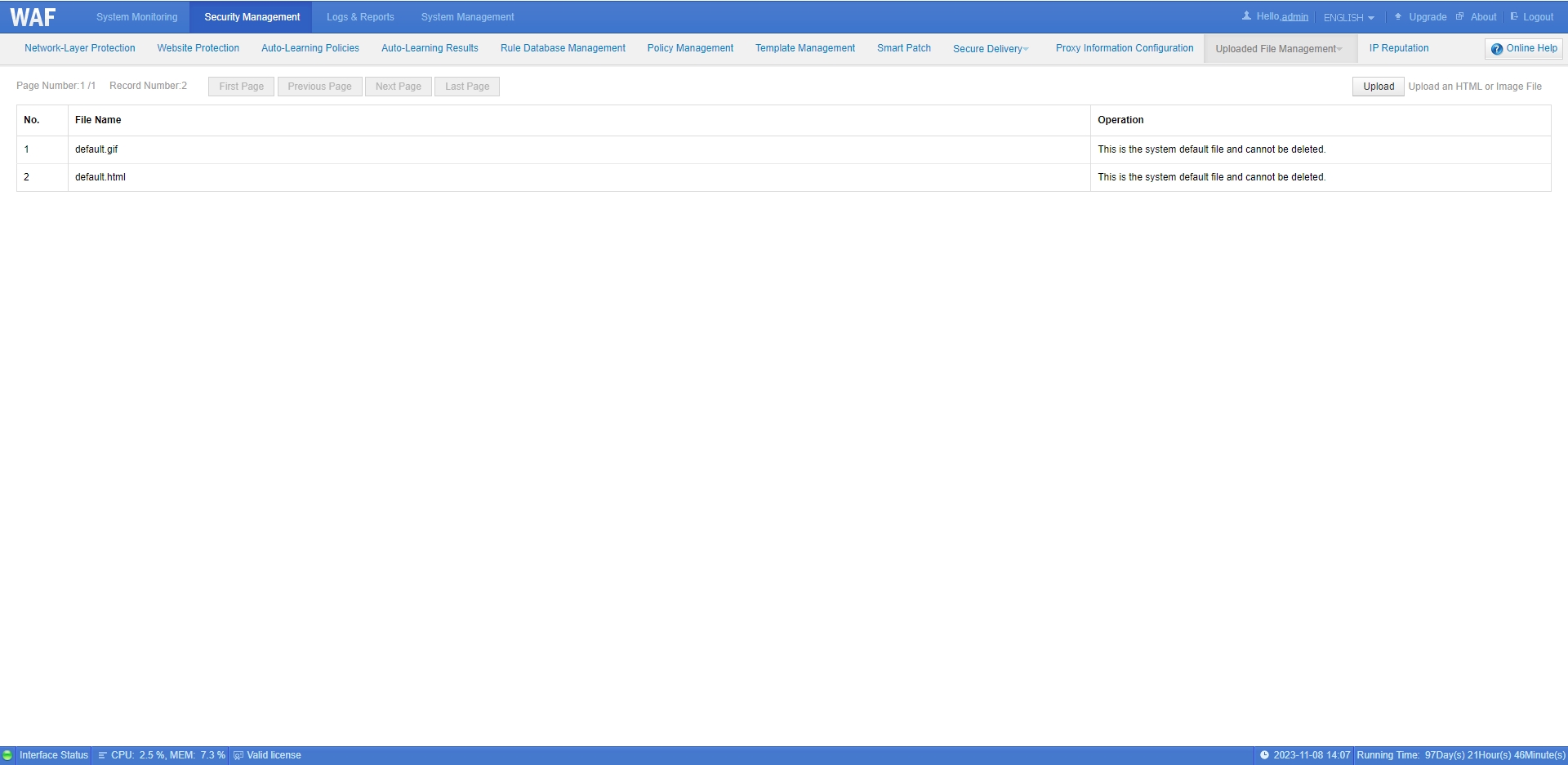
Such files, whether existing or newly uploaded, will be displayed on the Disguised Response File Management page. You can upload or delete files on this page.
Red circular no entry sign with a white horizontal bar.

Note: NSFOCUS WAF does not provide disguised response file management when deployed in plugin-enabled mode.

NSFOCUS
Privacy Overview

This website uses cookies so that we can provide you with the best user experience possible. Cookie information is stored in your browser and performs functions such as recognising you when you return to our website and helping our team to understand which sections of the website you find most interesting and useful.

Este site está registrado em wpml.org como um site de desenvolvimento. Você pode mudar para uma chave de site de produção para remove this banner.