

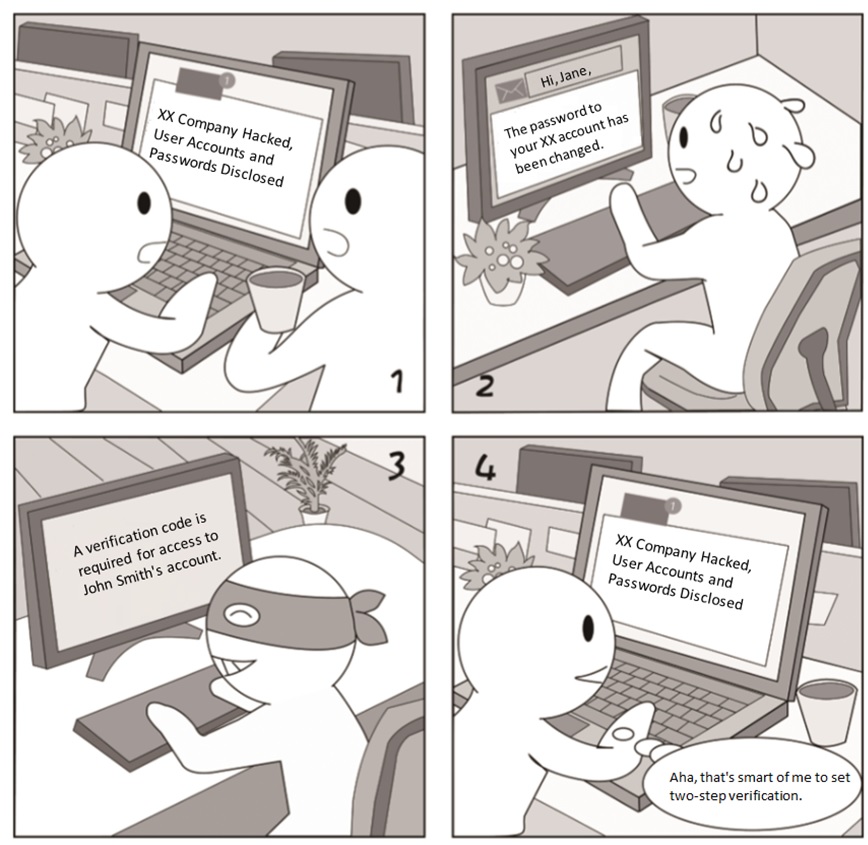
It is a common practice to protect an account with a password. However, the account will be compromised if the password is disclosed. Now many mobile phones or apps support two-step verification. When detecting a login to your account from another phone, the mechanism requires the other form of authentication, for example, a verification code sent via SMS.
Security Tips/Takeaways
- Check whether two-step verification is enabled for all your important accounts. It may not be enabled by default on your phone and needs to be manually enabled.
- Do not tell any other person your verification code.
- After changing your mobile number, remember to use the new one for receiving verification codes.
Mobile Office——App Installation
Case AnalysisÂ
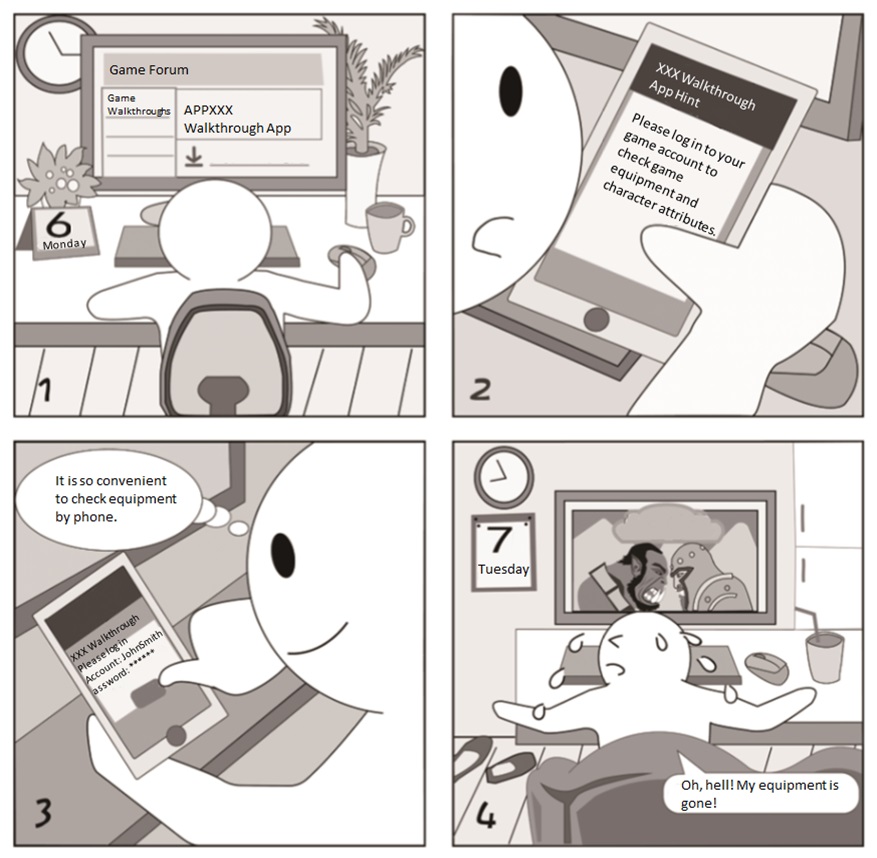
Currently, there are numerous mobile app marketplaces, which audit apps with varying levels of stringency. Some marketplaces are not so well secured as to be hacked, with legitimate apps replaced with malicious ones.
Security Tips/Takeaways
- Download apps from the official app store of your mobile OS or by scanning QR codes of apps on their official websites.
- Grant permissions with caution when installing apps. If prompted later that an app cannot be properly used due to limited permissions, you can grant permissions as required.

